MAP — Media Auto Pilot

SELF-HOSTED. CONNECTED. IN CONTROL.

Your media community.
On auto pilot.

Bring your Emby and Jellyfin servers, invitations and member accounts together. Less repetitive administration. A better place for your community.

Free for up to 10 members · Windows, Linux & umbrelOS

MAP / Community overviewIllustration
Everything connected.
Nothing overlooked.
MEMBERSHIPSOne portal
YOUR DATAYour server
  1. 01
    Invite your memberChoose a plan, servers and libraries
    ✓
  2. 02
    Connect their accountsEmby · Emby Connect · Ombi
    ✓
  3. 03
    Keep access in syncAccount and access status
    ↻
Built around your community, not another spreadsheet.

WORKS WITH THE TOOLS YOU ALREADY USE

EmbyJellyfinEmby ConnectOmbiSonarrRadarr

ONE CONNECTED WORKFLOW

Less admin.
More community.

MAP coordinates your services through their APIs. You keep your own server, your branding and control of member access.

01 / MEMBERS

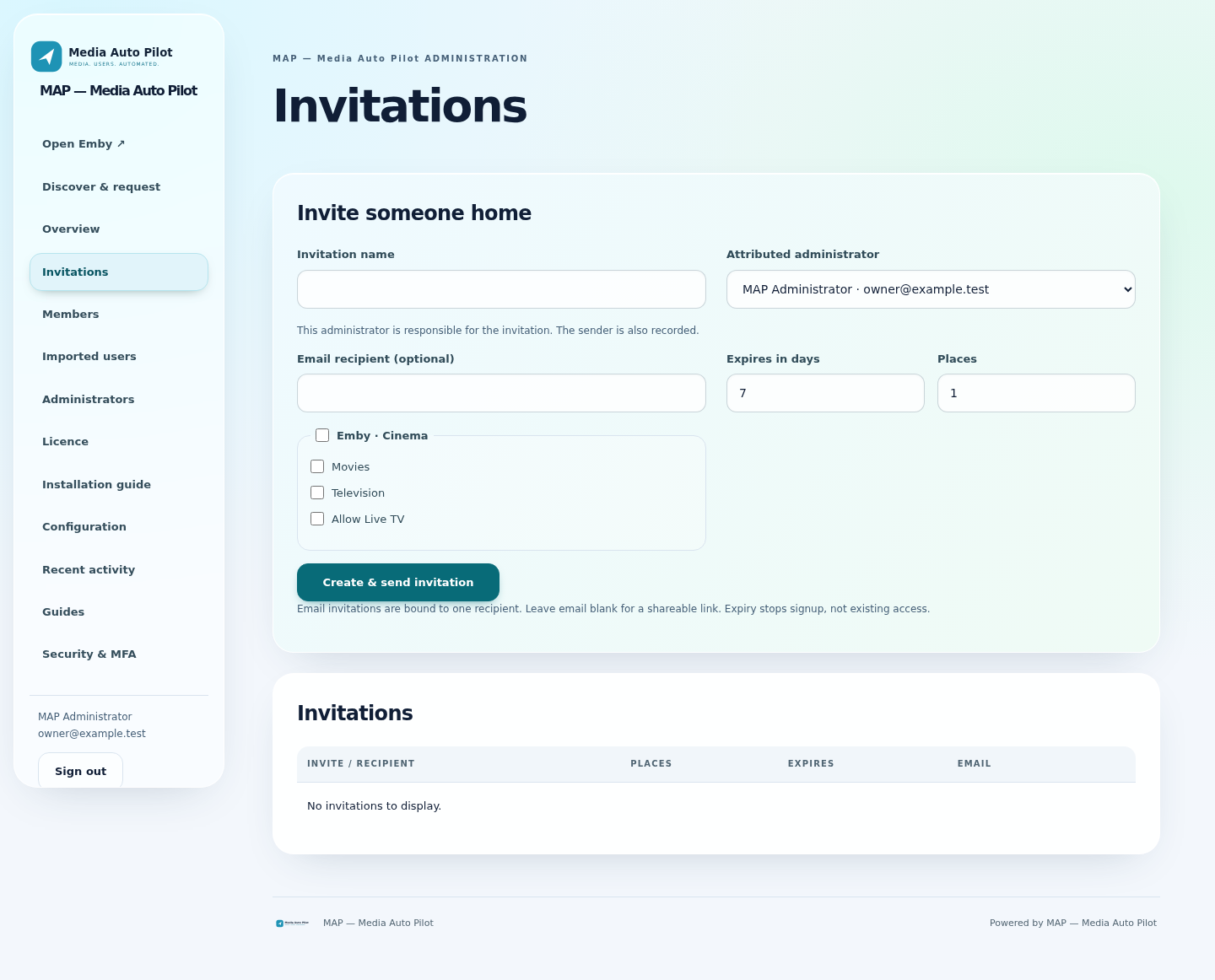
From invitation to account

Choose servers, libraries and optional Live TV access. After signup and verification, MAP creates local Emby and Jellyfin accounts on the granted servers; Emby Connect applies only to Emby, while Ombi setup stays independent.

02 / AUTOMATION

Accounts that stay in sync

Automate invited account creation, shared-password updates and access synchronization across your connected Emby and Jellyfin servers.

03 / PORTAL

A home for every member

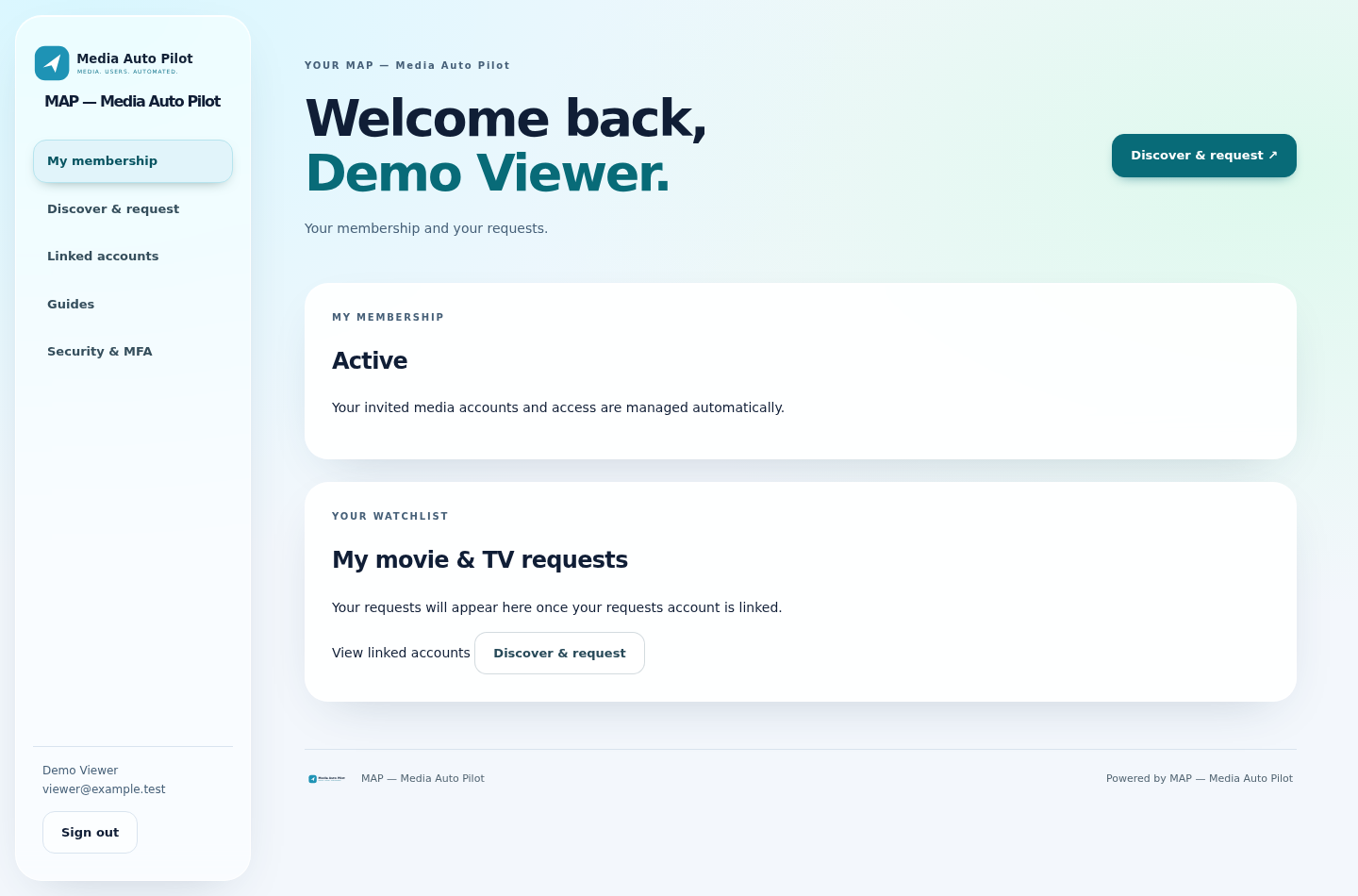
Members can manage their membership, open their assigned Emby and Jellyfin servers, discover and request content through their linked Ombi account, and maintain their account security.

04 / REQUESTS

Progress without the guesswork

Connect Sonarr and Radarr for member-scoped request progress, queue percentages, estimates and TV import counts. Optional Emby scans follow confirmed imports.

05 / AUTOMATION

Keep accounts connected

Background tasks handle provisioning, access reconciliation and recoverable retries. Password changes can sync to verified linked Emby/Jellyfin server and Ombi accounts.

06 / BRANDING

Make the portal your own

Set your site name and logo. Your portal and new emails share your identity, with invitations, verification, recovery and account notifications through your SMTP service.

07 / OVERSIGHT

A clear view of your community

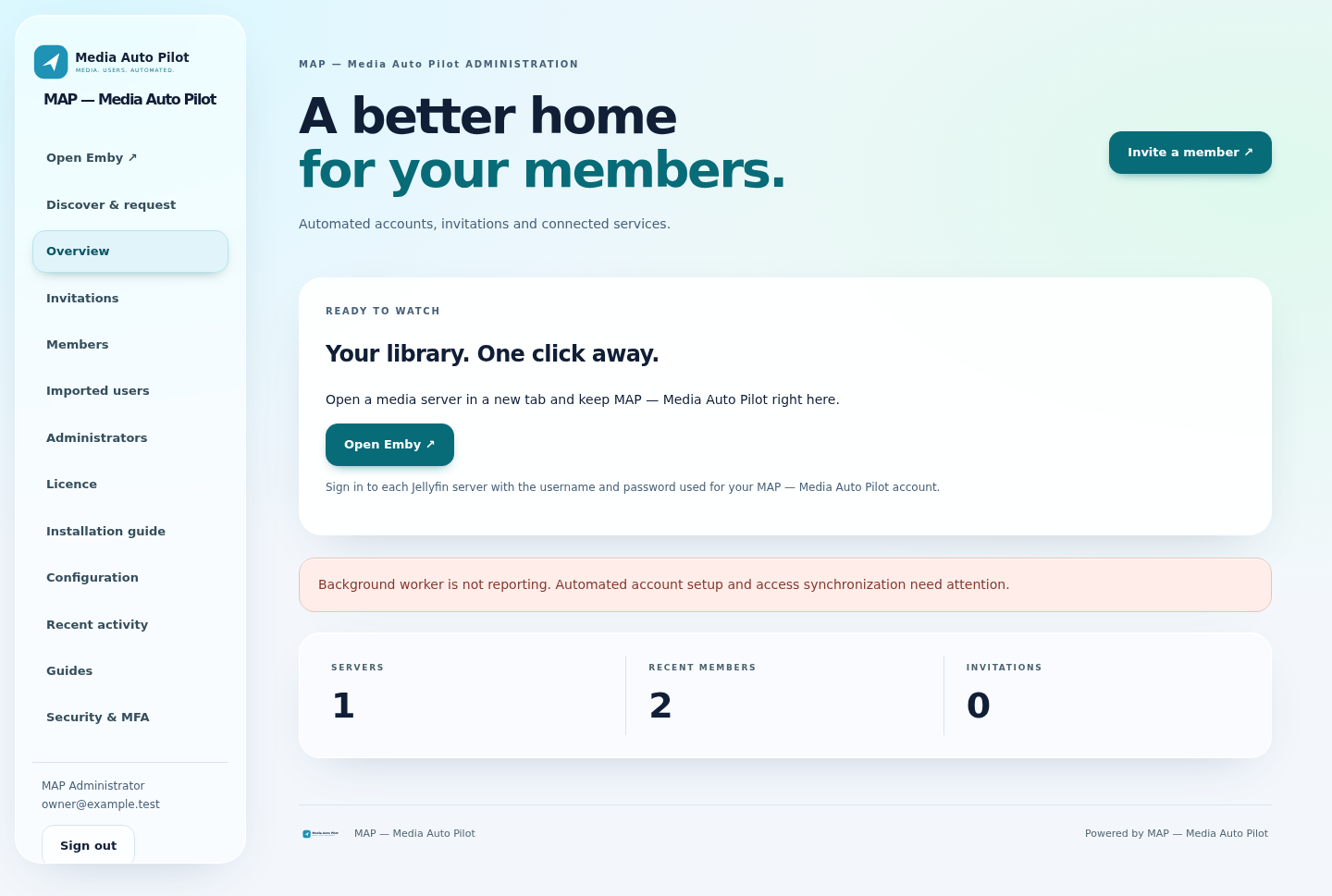
Manage invitations, members and connected servers. See setup progress and identify account or service issues that need attention.

08 / SECURITY

Practical account protection

Mandatory administrator MFA, optional member MFA and verified account linking. Conflicting accounts are flagged for review rather than overwritten.

09 / OWNERSHIP

Self-hosted from the start

Run MAP on your own installation. Coordinated account-removal workflows handle linked-service cleanup with automatic retries.

Integrations require your own configured services. Emby Connect may require its own verification; its global password and account remain separate. Jellyfin uses local server accounts, not Emby Connect. Media playback stays in each media app. Features above describe the downloadable release.

SEE MAP IN ACTION

Your community.
Your control centre.

Explore the member experience and the tools that keep administration organised.

MAP 1.0.1 interface screenshots use demonstration accounts, not customer data.

A SIMPLE START

From setup to
your first member.

01

Install MAP

Choose Windows, Linux or the umbrelOS community preview. Create your owner account and enrol MFA.

Read the install guide →
02

Connect your services

Add your Emby or Jellyfin servers, choose your branding and configure the request services you want to use.

03

Invite your community

Select servers and library permissions. MAP coordinates account setup and tracks progress after your member joins.

ROOM TO GROW

Start small. Stay in control.

Free for up to ten members. A MAP software licence unlocks larger communities. MAP does not charge your members for access.

FREE TIER

Build your community

£0 / month

  • Up to 10 members
  • Your own self-hosted installation
  • Connect your own services
Download MAP ↗

Monthly renewal until cancelled. Periodic online licence checks are required. If payment fails or the subscription ends, MAP returns to the ten-member tier and retains account information. Hosting, third-party services and optional service fees are separate. See the licence terms and cancellation policy.

GOOD TO KNOW

A few questions,
answered.

Is MAP a media server?

No. MAP manages memberships and coordinates connected services. Emby or Jellyfin remains your media server and playback application; Ombi handles requests.

Does MAP charge my members?

No. MAP automates users and access without member billing or subscription plans. Only the administrator needs a software licence when managing more than ten members.

Do members need to register separately everywhere?

MAP coordinates normal account setup on selected Emby and Jellyfin servers from the invitation signup. Emby Connect applies only to Emby; verification, existing-account conflicts and service errors can still need attention.

Where are my data and service credentials stored?

Your installation runs on your own server. You supply service connections during setup. The separate MAP licence service records registered application IDs and registration/check-in IP addresses to manage paid access.

What happens if I cancel my MAP subscription?

Renewal stops and paid licence access ends at the billing-period end. MAP falls back to its ten-member tier. Review the cancellation and refund policy for the full terms.

Where can I get help?

Installation notes and release checksums are on GitHub. Sign in to your MAP licence account to contact support about your licence.

YOUR NEXT CHAPTER

Give your community
a place to belong.

Get MAP ↗